
MPTAAS Scholarship Renewal – Step-by-Step Guide
MPTAAS scholarship renewal helps you continue your study support for the next year. You just update your details, upload new documents, and send the form again. The process is easy, and any student can follow it. I will guide you step by step in simple words.
What Is MPTAAS Scholarship Renewal?
MPTAAS scholarship renewal means you update your details every new year so you can keep getting your scholarship. Don’t make a new account again. You only log in, check your marks, update your course or class, and submit the form. This helps the government know that you are still studying and still need support.
Steps to renew your Scholarship
Step 1: Open the Mptaas portal on your mobile or computer.
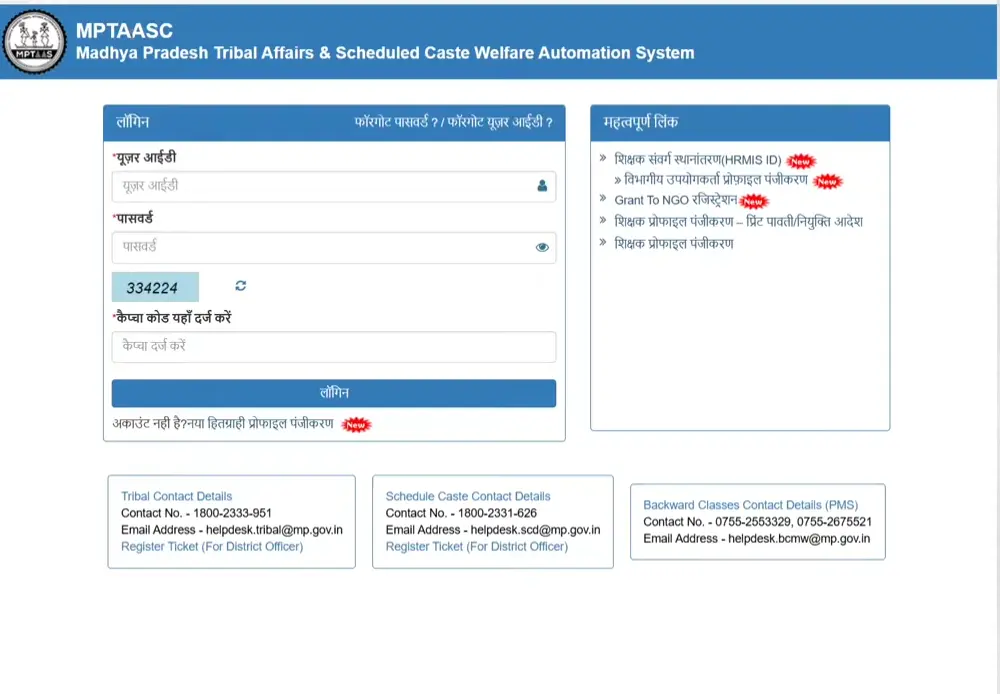
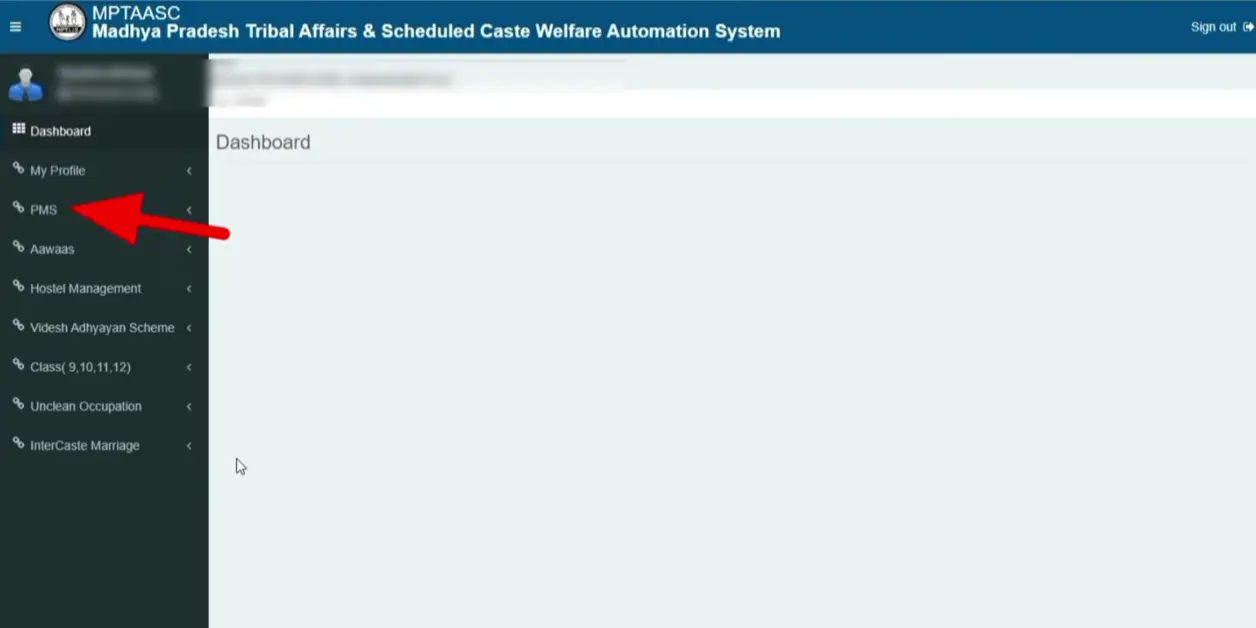
Step 2: Login and click on the PMS option. Click on apply.
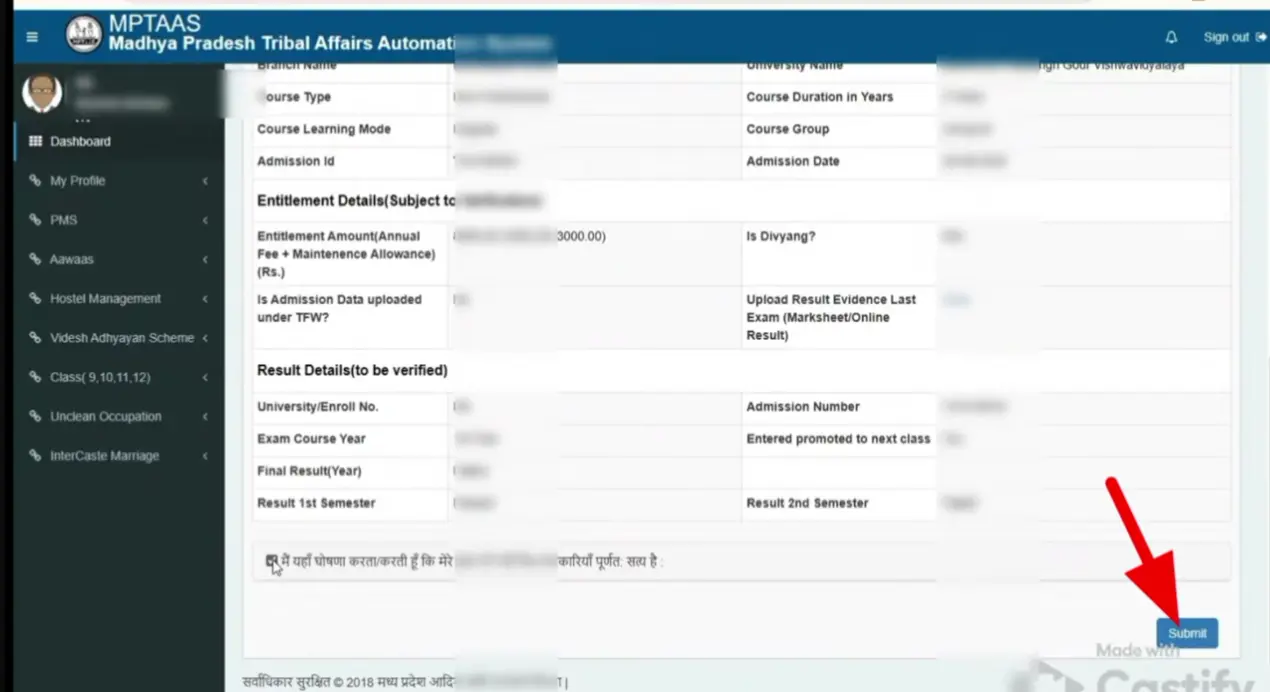
Step 3: Enter all the detail asked in the form.
Step 4: Click on “submit” button.
Step 5: After the form submission Check Application Status in a few days.
Who Can Apply for Renewal This Year?
Documents Needed for the Renewal Process
Common Renewal Problems and Simple Fixes
You may face some difficulties during renewal. Don’t worry, you are not alone. Many of us face these issues. Here are simple and easy solutions to these common issues. Just follow them.
Login Not Working
Solution:
Check your username and password again. If you still cannot enter, click on “Forgot Password”, make a new password, and try one more time.
Old Documents Not Uploading
Solution:
Make clear photos of your documents. Save them in PDF or JPG format. Keep the file size small. Then upload again.
Wrong Details Showing
Solution:
Click on the “Edit Application” option. Change the mistake, save the form, and upload the correct documents if needed.
Bank Account Not Getting Verified
Solution:
Make sure your bank account is active and linked with Aadhaar. Check your IFSC code and account number. Correct them if they are wrong and save the form again.
Application Stuck at “Under Process”
Solution:
Sometimes the office takes time to check details. Just wait for a few days and keep watching your dashboard. If the portal is not working properly, try MPtaas app. If it stays the same for too long, contact your college or helpline.
How to Check Renewal Status After Submission?
Checking your renewal MPtaas status is very easy. You just follow a few simple steps and you can see if your form is approved or still under checking.
Step 1: Open the Official Portal
Go to the MPTAAS website on your phone or computer.
Step 2: Log in to Your Account
Enter your username and password to open your student dashboard.
Step 3: Click on “Track Status”
You will see a button or option that says Track Status. Tap or click on it.
Step 4: Check Your Current Stage
Now you can see your renewal stage like:
- Under Scrutiny
- Pending at the Institute
- Approved
- Sent to Treasury
- Paid
Step 5: Check Payment Section
If your renewal is approved, check the payment section to see if money is released into your bank.
Step 6: Check Regularly
You should check your status every few days until the amount reaches your bank account.
Important Tips to Avoid Renewal Rejection
Frequently Asked Questions
Conclusion
The Mptaas scholarship renewal process helps students keep getting their support every year without any stress. When you follow each step slowly and carefully, everything works fine. Just upload the right documents, check your status often, and fix any small mistakes quickly. With proper renewal, your studies stay smooth and worry-free.
